For Zoom
Teleprompter for Zoom: read your script without looking away
Zoom has no built-in teleprompter for meetings; its help center documents none. The fix is a prompter window of your own, placed directly under your webcam so your eyes stay close to the lens. The free prompter below runs in a browser window next to Zoom: keep Fullscreen off, drag the window to the top of the screen, and share a single app window so no one sees your script.
Paste a script to see how long it takes to read.
Your camera and microphone stay in this browser. When you stop, the video is ready to save to your device; it is never uploaded. The preview is mirrored, the saved video is not.
Space: play / pause · R: record · ↑ ↓: speed · Home: top · Esc: exit. Tap the text to pause. Works in landscape on a phone, too.
Words in [square brackets] show faintly and are never scored — use them for stage cues. Need a starting point? Try a script template, or check the length with the speech timer.
Delivery Score
–/100
- Pace–
- Pauses–
- Script match–
- Filler words–
- Words / min–
- Eye contactIn the app
Pace is how steady your speaking rate stayed; pauses count dead air of 1.5 seconds or more; script match is how much of the text you actually said; filler words are per 100 spoken. The app adds eye contact from the camera, filler cleanup, and keeps all of it on the device.
Recording
Your take
This video exists only in this tab until you save it. Nothing was uploaded.
How to set it up for a call
-
Open the prompter in its own window
Open this page in a separate browser window, not a tab behind your meeting, so you can place it on its own.
-
Set it up for a small window
Paste your script, leave Fullscreen off, and set Reading line to around 15–25% so the line you read sits at the top. Pick a text size you can read at arm’s length and a slow speed.
-
Put it right under your webcam
Make the window a wide, short strip and drag it to the top-middle of the screen, as close under the camera as it will go. The shorter the distance between the words and the lens, the less your eyes visibly move.
-
Share a window, not your whole screen
If you share in the meeting, click Share and pick the specific application window you want people to see instead of your entire screen, so the script stays yours. Zoom: sharing your screen.
-
Start, and pause when others talk
Press Start prompter, then Space to pause whenever someone else speaks and again when it is your turn. Up and Down arrows nudge the speed without leaving the call.
Two screens, one camera
Reading from a second monitor while the camera sits on the first is the most common reason a read looks like a read: your eyes point sideways the whole time. Put the prompter on the screen the camera is attached to, or move the camera onto the screen you read from.
Presenting from a Mac, phone or iPad?
The app watches where you look
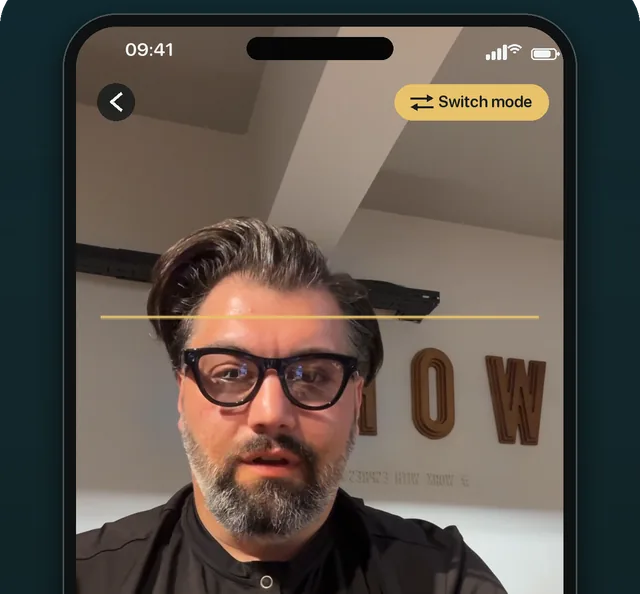
OwlPrompter runs the prompter next to the lens on iPhone, iPad and Android, free to start. On a Mac, OwlPrompter for Mac keeps a floating prompter window on top of Zoom, just under the camera. With Pro, eye-contact mode holds the scroll when you glance away and voice scroll follows you as you speak.
Questions
Does Zoom have a built-in teleprompter?
Not as a meeting feature: Zoom’s help center does not document one (checked September 2026). What works is a separate prompter window placed just under your webcam, like the free one on this page.
Will people in the meeting see my script?
Not unless you share the window or screen it is on. When you share, choose a specific application window rather than your entire screen, and keep the prompter window out of it.
Does this work with Google Meet or Microsoft Teams?
Yes. The prompter is an ordinary browser window, so the same placement under the camera works with any video-call app. How each app shares a single window differs, so check its own help for that part.
How do I read without sounding like I am reading?
Keep lines short, slow the speed down, and look straight at the lens at the end of each sentence. Short bracketed cues like [pause] help; the script template page shows the format.
Write the script first with a teleprompter script template, check its length with the speech timer, or use the online teleprompter fullscreen with your camera. For the step-by-step setup, read how to use a teleprompter with Zoom; recording an async update instead? See how to use a teleprompter with Loom.