For iPad
A teleprompter for iPad you can read from across the room
An iPad is the right size for a prompter: on a stand behind the camera, on a lectern, or in a beam-splitter rig. OwlPrompter runs natively on iPad with a sidebar layout, large type, mirroring, and the same voice scroll and eye-contact mode as on iPhone.
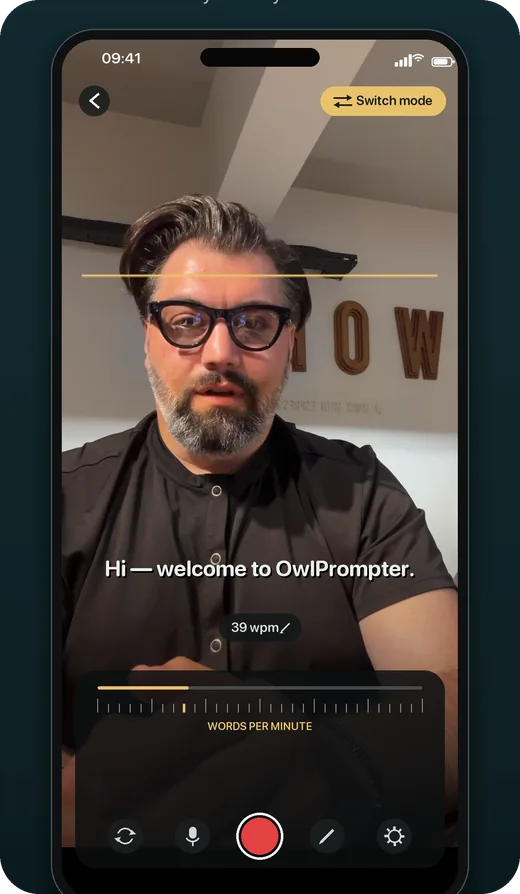
Made for a bigger screen
A sidebar for your library, a detail view for the script, and a prompter that fills the display. Text size, line spacing, margins and reading fonts are all yours to set.
- Mirrored text for beam-splitter rigs
- Large, high-contrast reading fonts
- Landscape and portrait
Reads at your pace
Speak and the script follows. Stop and it waits. Voice scroll runs on the iPad itself, so it works in a hall with no Wi-Fi as well as it does in a studio.
Scripts stay on the iPad
Import PDF, DOCX, TXT or RTF. There is no account and no upload — a sermon, a keynote or a client script never leaves the device.
Questions
Is it the same app as on iPhone?
Yes — one purchase covers iPhone, iPad and Mac on the same Apple Account, and the iPad layout adapts to the larger screen.
Can I mirror the text for a beam-splitter?
Yes. Horizontal mirroring is a setting in the prompter, so the text reads correctly through the glass.
Can I control it from another device?
Yes. OwlPrompter supports Bluetooth remotes and keyboards for play, pause and speed on iPad. The Apple Watch remote pairs with the iPhone app, not the iPad.
Keep reading
See every feature, what Pro costs, or use the free online teleprompter right now.