AI eye contact
Read your script, look at the lens
Record while you read, then let AI turn your eyes back to the camera. The corrected video is saved as a new take; your original stays untouched.
How AI eye contact works →Features
This is the whole list, and all of it is in the app today. Where something is Pro or AI only it says so.
OwlPrompter AI · iPhone and iPad
Eye contact, captions and script writing run in the cloud, so they need a connection and your permission before the first upload. Everything else on this page works offline.
AI eye contact
Record while you read, then let AI turn your eyes back to the camera. The corrected video is saved as a new take; your original stays untouched.
How AI eye contact works →AI captions
Every word transcribed with its timing, in five styles from Classic to Karaoke. Fix a word inline, translate into another language, and burn them in when you export. Only the sound of the take is uploaded.
Create with AI
Say what the video is about, pick the platform, length and tone, choose one of three openings, and get a script sized to your speaking pace. Then make it shorter, punchier or more casual. Anyone can try 3 drafts free.
Templates · free
Short video, YouTube intro, explainer, product demo, sales pitch, LinkedIn post, testimonial and presentation opener — each laid out in sections with a target length. Free, and they never leave your phone.
Voice scroll
A fixed-speed prompter scrolls at a speed you guess in advance, so you spend the take chasing the text. OwlPrompter listens instead.
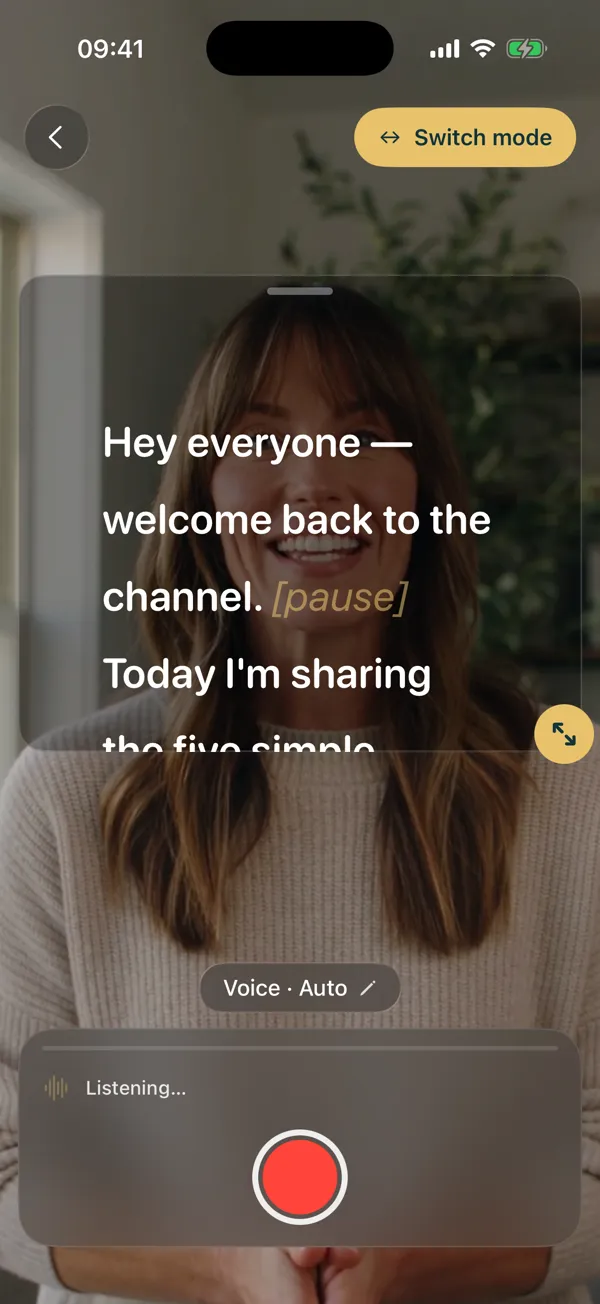
Eye-contact mode
Turn to your notes and a fixed-speed prompter keeps going while you lose your place. This one notices and stops.
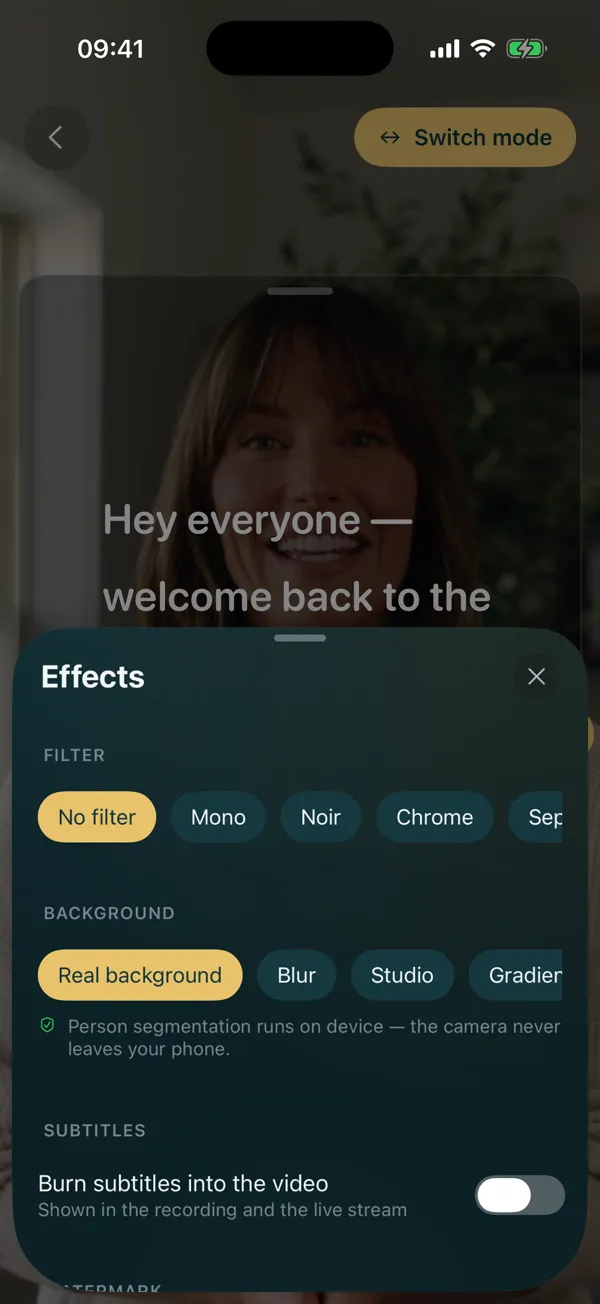
Recording
Filters, background blur and captions are rendered into the recording itself, so there is no surprise when you open the file.
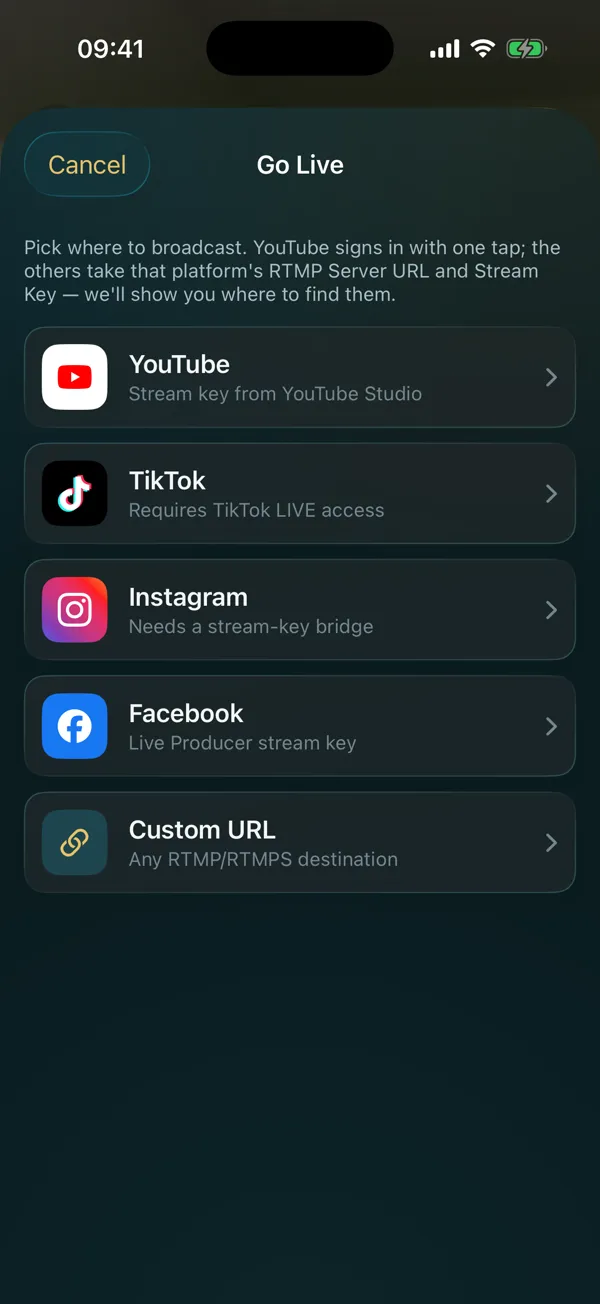
Live streaming
Paste a stream key once and broadcast with the prompter running — the audience sees the camera, you see the words.
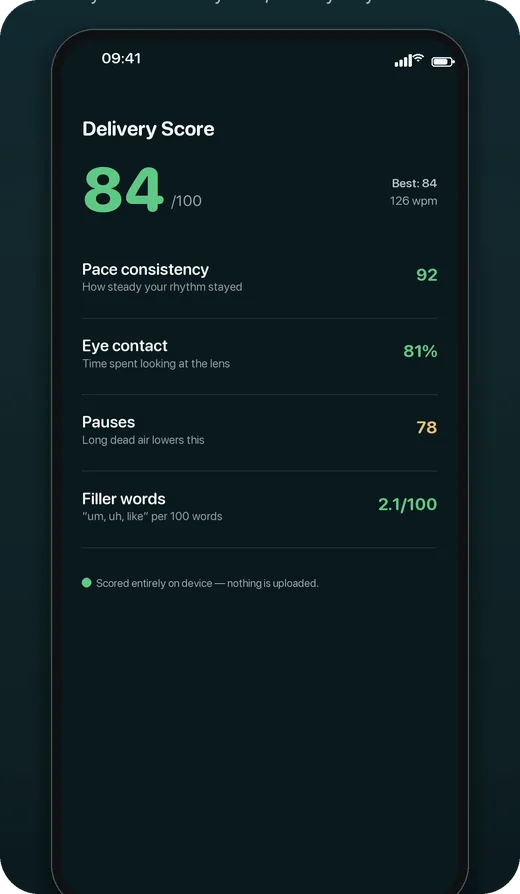
Delivery Score
You get a score out of 100, with eye-contact percentage, pace consistency, where you paused and which filler words crept in — so the second take is better than the first.
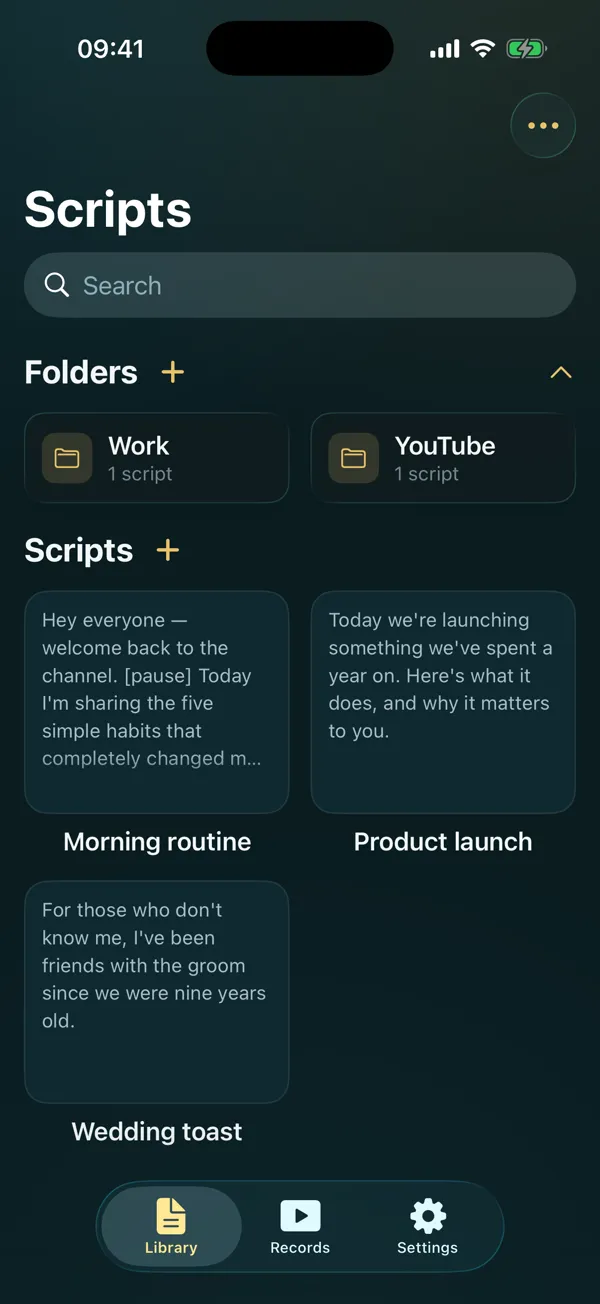
Scripts
There is no account to create, no sync to switch off and no server of ours holding your words. Import what you have and it stays where you put it.
Built in, not bolted on
A prompter is only as good as the moment you can read it under pressure. Type size, contrast and the interface language are all first-class settings, in 11 languages.
iOS 18 or later
macOS 15 or later
Android 8.0 or later
Remote for the iPhone app, watchOS 10 or later
The Apple Watch app is a remote for the prompter on your iPhone: play, pause, speed and restart from your wrist. On a Mac, OwlPrompter for Mac adds a floating prompter window that stays on top of other apps, just under the camera. There is no Windows app. In a browser, the free online teleprompter scrolls your script and can record you with your camera; voice scroll and eye-contact mode are only in the app.
Made for YouTube videos, TikTok Live and other live streams, a teleprompter on iPad and Zoom calls — or start with the free teleprompter app.
Free to use. The AI Yearly plan starts with a 7-day free trial on iPhone and iPad.